
Bahrain’s 5G Network Grid
Experience the pulse of the Kingdom. Our high-frequency infrastructure now blankets key urban corridors, delivering ultra-low latency where it matters most. Explore the live status of our active zones below.
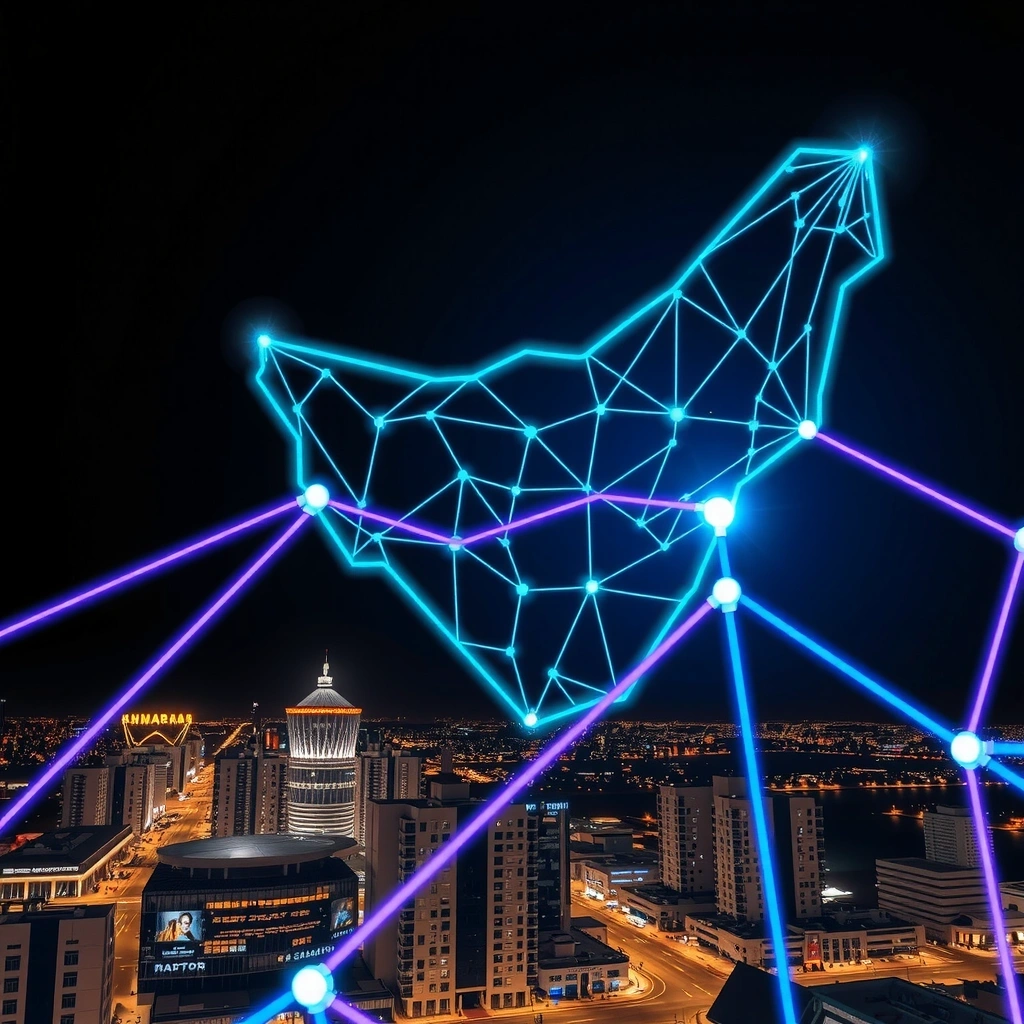
Hardware Built for Bahrain’s 5G
To unlock the true potential of gigabit speeds, your equipment must speak the same language. We’ve certified devices that maximize performance on the n78 frequency band.
Flagship Smartphones
- n78 Band Support
- eSIM Ready
- Verified Battery Efficiency
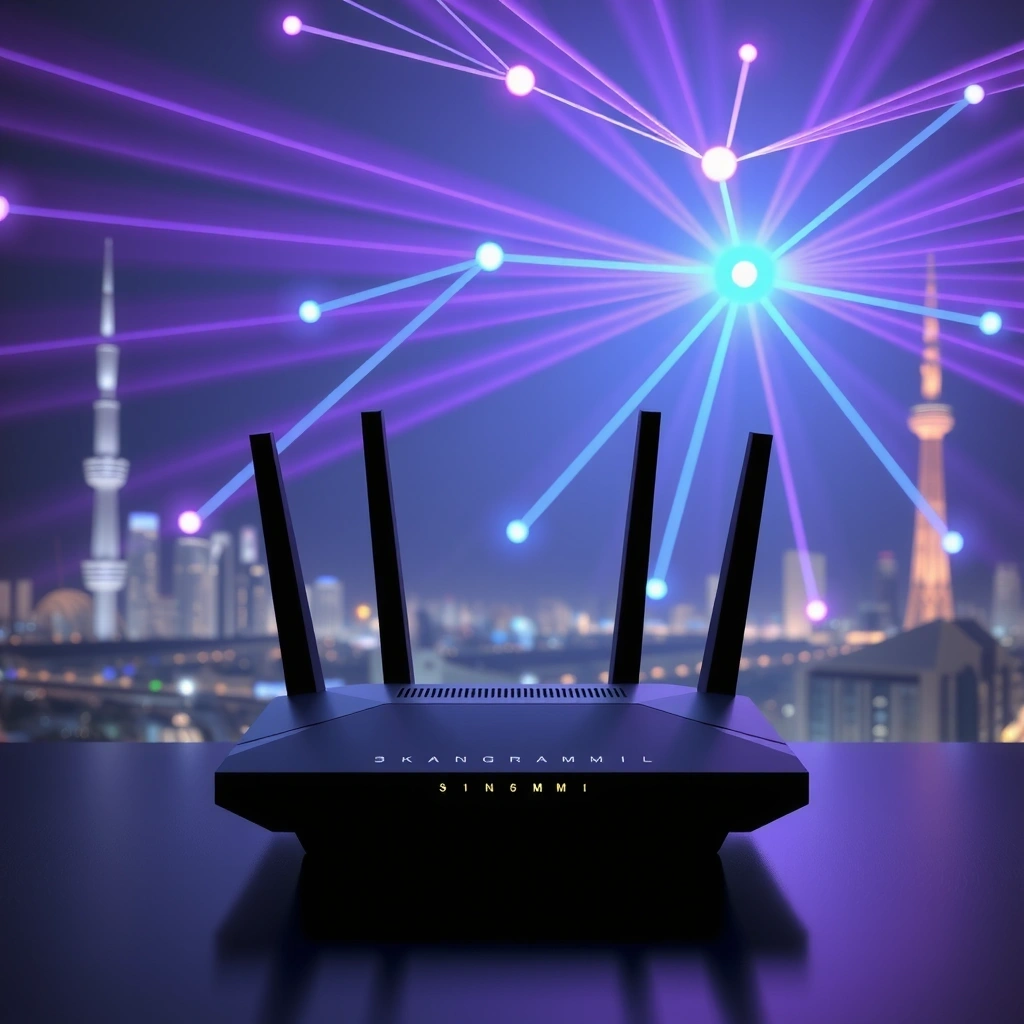
5G Home Gateways
Replace fiber with plug-and-play speed. Our routers feature advanced MIMO antenna arrays to penetrate thick concrete walls common in Bahraini architecture.
- Wi-Fi 6 Connectivity
- External Antenna Port
- Gigabit LAN Port

eSIM Connectivity
Switching providers is instant. Download your Bahrain5GHub profile directly to your device and activate service within minutes without a physical plastic card.
- Instant Activation
- Dual Number Support
- Travel Friendly
Mastering Your Signal Strength
High-frequency waves behave differently than 4G. Small environmental adjustments can dramatically improve your throughput and stability.
Router Placement is Critical
5G high-band waves struggle to penetrate dense materials. Avoid placing your gateway in enclosed cabinets or behind concrete walls. For best results, position the device near a window facing the nearest cell tower, ideally elevated off the floor. This "line-of-sight" approach often improves signal strength by 40% or more.
Manage Network Congestion
While 5G offers massive bandwidth, speeds can dip during peak usage hours (7 PM – 10 PM) if your local node is overcrowded. If you notice latency spikes, try switching your device to "5G Auto" mode, which intelligently falls back to 4G LTE when 5G signal quality is low but speed is comparable.
Reduce Interference
Microwave ovens and older Bluetooth devices can operate on frequencies that interfere with your Wi-Fi 6 signal. Keep your 5G gateway at least 3 meters away from kitchen appliances. Additionally, ensure your router firmware is updated via the Bahrain5GHub companion app to receive the latest stability patches.
Quick Troubleshooting Guide
Issue: Speeds suddenly dropped
Restart your gateway. 5G modems benefit from a power cycle every 2 weeks to clear cache and re-establish optimal handshake protocols.
Issue: "No Service" flashing
Check the SIM card tray. Ensure the SIM is properly seated and not damaged. If the issue persists, verify local maintenance outages on our network status page.
Issue: Weak signal in back rooms
Use a Wi-Fi 6 mesh extender. Do not move the 5G gateway; instead, extend the Wi-Fi signal locally to maintain the gateway's connection to the cell tower.
Seamless Setup at Home and Office
Get online in under 15 minutes. Our self-installation kits are designed for plug-and-play simplicity, requiring no technical expertise.
1. Unbox and Position
Remove the 5G Gateway and power adapter. Place the device on a flat surface near a window or external wall. Avoid enclosed TV cabinets. The device needs ventilation to maintain optimal thermal performance during high-load tasks like 4K streaming.
2. Insert and Activate
Open the SIM tray on the back of the unit and insert the provided Bahrain5GHub SIM card (chip side down). Connect the power cable. The LED indicators will cycle through colors, turning solid Cyan once a 5G signal is acquired. This usually takes 1–2 minutes.
3. Connect Your Devices
Scan the QR code on the bottom of the device with your smartphone to auto-join the Wi-Fi network, or use the default Network ID (SSID) and password printed on the label. For a wired connection, use an Ethernet cable to connect your PC or gaming console directly to the LAN port.
4. Secure Your Network
Log in to the admin interface via your browser (192.168.1.1) to customize your Wi-Fi name and password. We strongly recommend enabling WPA3 encryption for enhanced security. Download the Bahrain5GHub app to monitor data usage and manage connected devices remotely.
24/7 Technical Assistance
Call Us
+973 1721 8942
Billing & Technical Faults
Email Us
info@Bahrain5GHub.bh
Enterprise Inquiries
Visit Us
Seef District, Manama Plaza
Suite 1204, Manama 428
Working Hours
Sun-Thu: 8:00 - 17:00
Fri-Sat: Closed